Policies in OCI
tags :
OCI construct #
- allow access to user, group, Dynamic Groups in OCI
Key Points For Policies #
- Policies only allow access; they cannot deny it.
- You can give policies at two-level, i.e, Compartment Level(Compartments in OCI) & Tenancy Level
- By default, users can do nothing and have to be granted access through policies.
- An administrator in your organization defines the groups and compartments in your tenancy.
Steps To Define Policy #
Create a User in the Identity–>User–>CreateUser. Once the User is Created, Create one Group, under Identity–>Groups–>Create Groups. After that, add the created user to the Group, under Identity–>Groups–>GroupName–>Add User To Group Then, Go under Identity–>Policies–>Create–>Policy.( Define policy )
Details #
- Tenancy level policies are account level,
- compartments allow to create hierarchy up to 6 levels to organize resources.
Resource-Types #
ref Common resource types. A few common family resource-types are listed. For the individual resource-types that make up each family, follow the links.
all-resources All Oracle Cloud Infrastructure resource-types
cluster-family See Details for Container Engine for Kubernetes
compute-management-family See Details for the Core Services
data-catalog-family See Data Catalog Policies
data-science-family See Data Science Policies
database-family See Details for the Database Service
datasafe-family-resources See OCI Resources for Oracle Data Safe
dns See Details for the DNS Service
email-family See Details for the Email Delivery Service
file-family See Details for the File Storage Service
instance-agent-command-family See Details for the Core Services
instance-agent-family See Details for the Core Services
instance-family See Details for the Core Services
object-family See Details for Object Storage, Archive Storage, and Data Transfer
optimizer-api-family See Creating Cloud Advisor Policies
virtual-network-family See Details for the Core Services
volume-family See Details for the Core Services
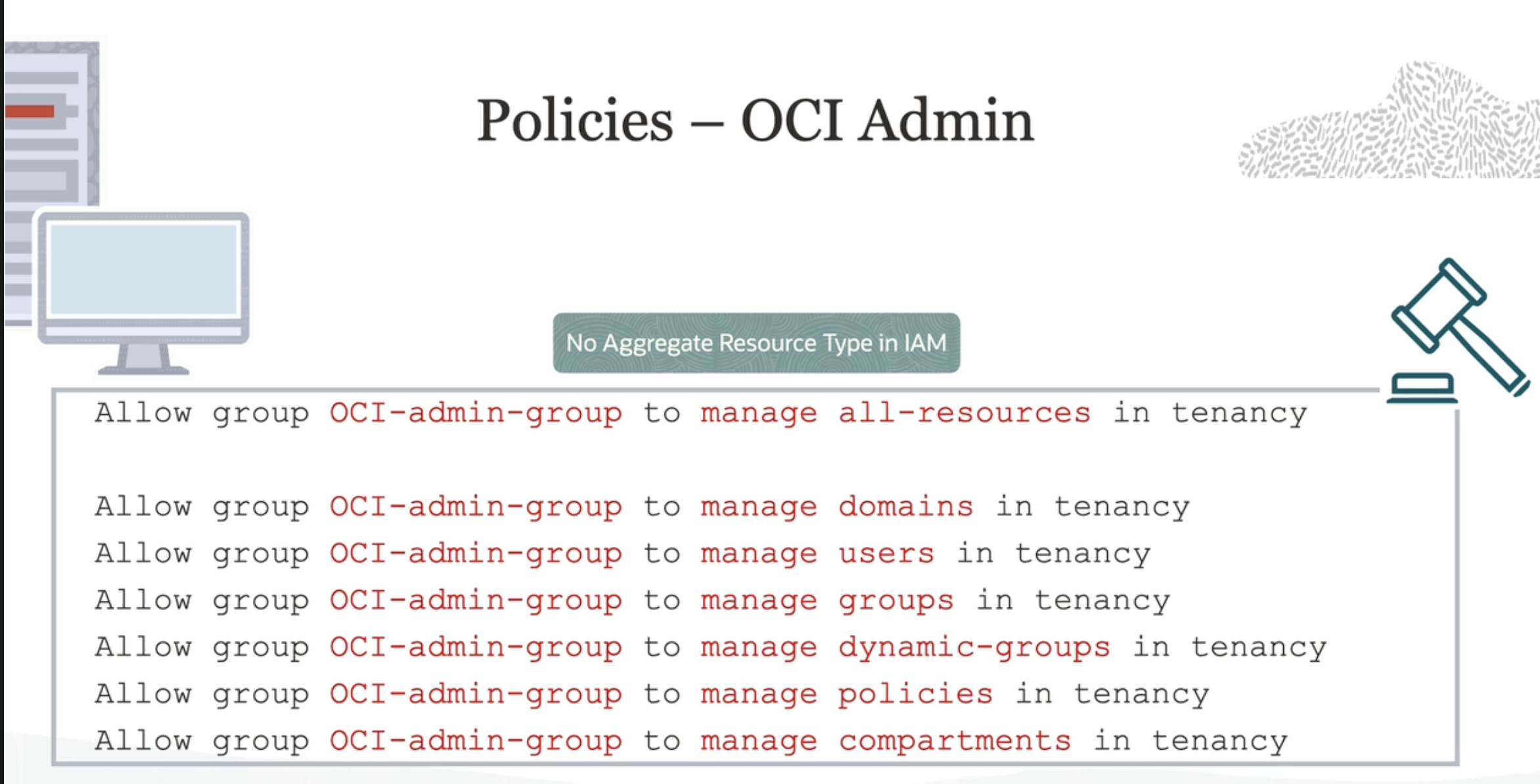
*IAM has no family resource-type* , only individual ones. See Details for IAM with Identity Domains or Details for IAM without Identity Domains, depending on whether your tenancy has identity domains or not.
IAM in OCI policies to allow user to administer IAM #
allow group Identity_Providers_Admin to manage domains in compartment Prod
- These permissions were enough for the group user to change domain settings, including changing “Custom HTML”" in the self hosted login section
- These user should be added in the default domain, I tried adding them to the new domain, projectx, that did not work list of resourece types available for the IAM in OCI
- Policy was created in Prod compartment
OCR of Images #
2023-09-26_13-11-23_screenshot.png #
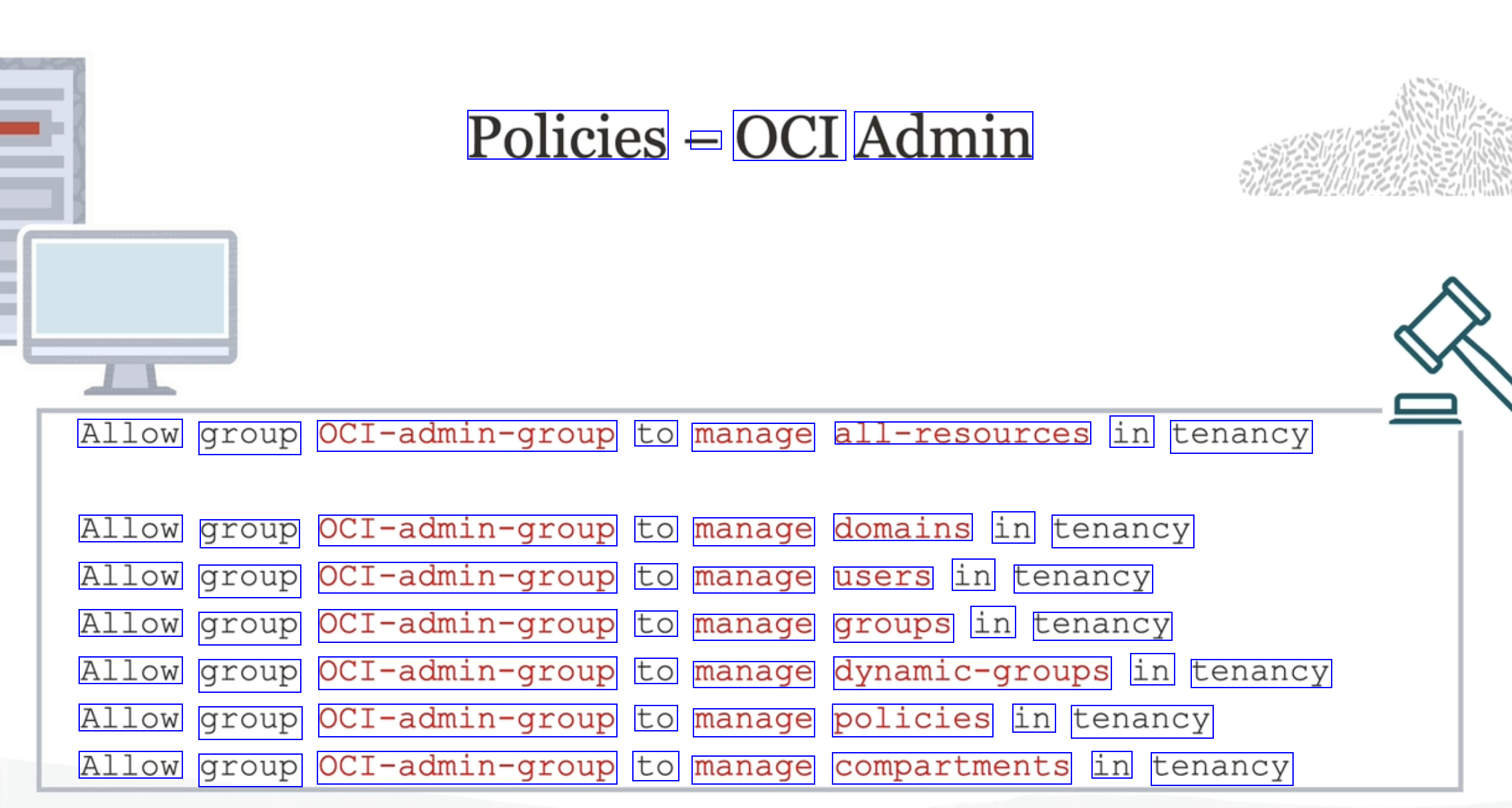
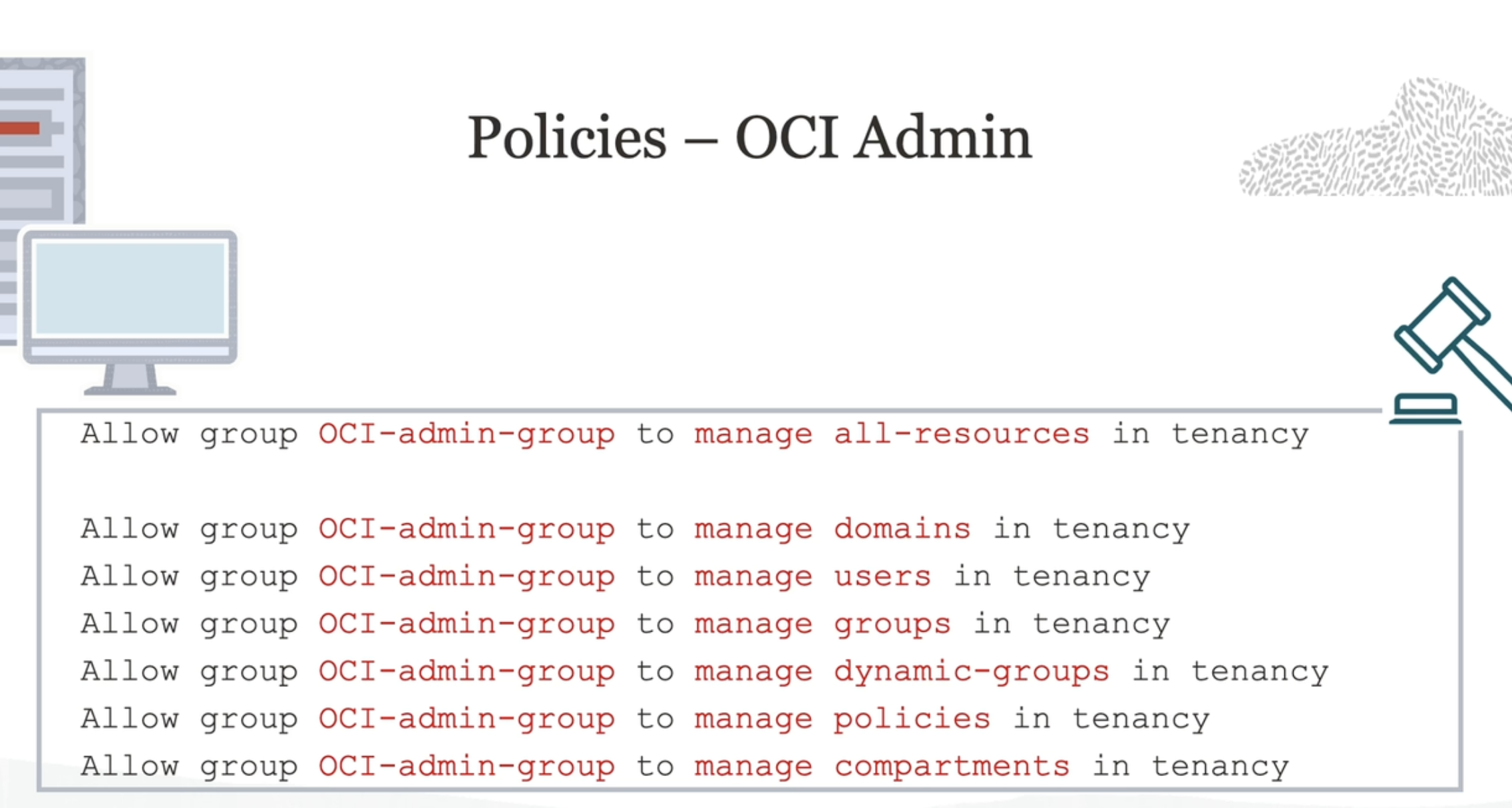
Policies - OCI Admin Allow group OCI-admin-group to manage all-resources in tenancy Allow group OCI-admin-group to manage domains in tenancy Allow group OCI-admin-group to manage users in tenancy Allow group OCI-admin-group to manage groups in tenancy Allow group OCI-admin-group to manage dynamic-groups in tenancy Allow group OCI-admin-group to manage policies in tenancy Allow group OCI-admin-group to manage compartments in tenancy
2023-09-26_13-12-59_screenshot.png #
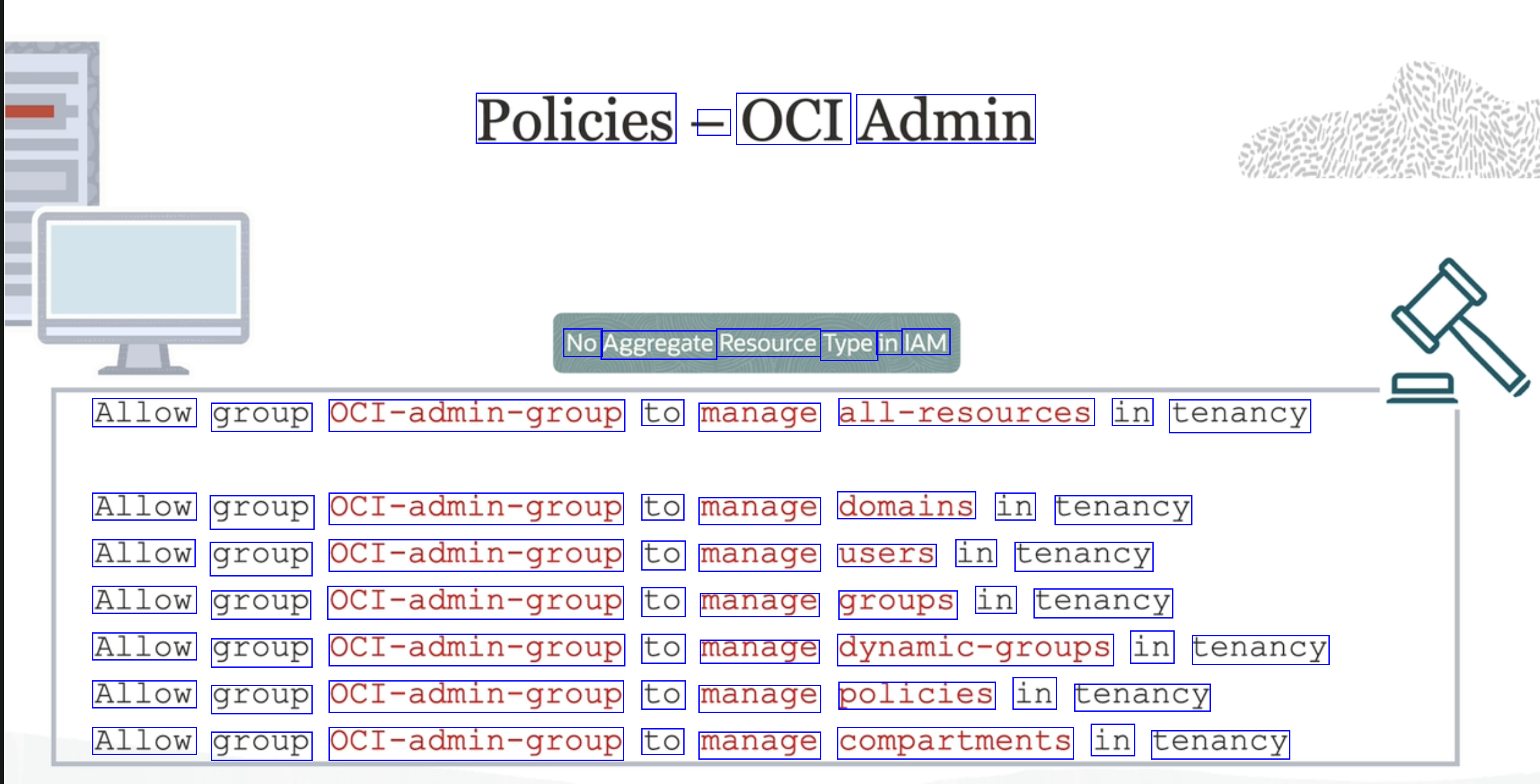
Policies - OCI Admin No Aggregate Resource Type in IAM Allow group OCI-admin-group to manage all-resources in tenancy Allow group OCI-admin-group to manage domains in tenancy Allow group OCI-admin-group to manage users in tenancy Allow group OCI-admin-group to manage groups in tenancy Allow group OCI-admin-group to manage dynamic-groups in tenancy Allow group OCI-admin-group to manage policies in tenancy Allow group OCI-admin-group to manage compartments in tenancy
OCR of Images #
2023-09-26_13-11-23_screenshot.png #
Policies - OCI Admin Allow group OCI-admin-group to manage all-resources in tenancy Allow group OCI-admin-group to manage domains in tenancy Allow group OCI-admin-group to manage users in tenancy Allow group OCI-admin-group to manage groups in tenancy Allow group OCI-admin-group to manage dynamic-groups in tenancy Allow group OCI-admin-group to manage policies in tenancy Allow group OCI-admin-group to manage compartments in tenancy
2023-09-26_13-12-59_screenshot.png #
Policies - OCI Admin No Aggregate Resource Type in IAM Allow group OCI-admin-group to manage all-resources in tenancy Allow group OCI-admin-group to manage domains in tenancy Allow group OCI-admin-group to manage users in tenancy Allow group OCI-admin-group to manage groups in tenancy Allow group OCI-admin-group to manage dynamic-groups in tenancy Allow group OCI-admin-group to manage policies in tenancy Allow group OCI-admin-group to manage compartments in tenancy