LDAP
- tags
- Security,
Summary #
- LDAP is a standard Protocol designed to maintain and access “directory services” within a network.
- Think of a
directory service as a phonebook for different network resources like files, printers, users, devices, and servers, etc. ref
How does LDAP work? #
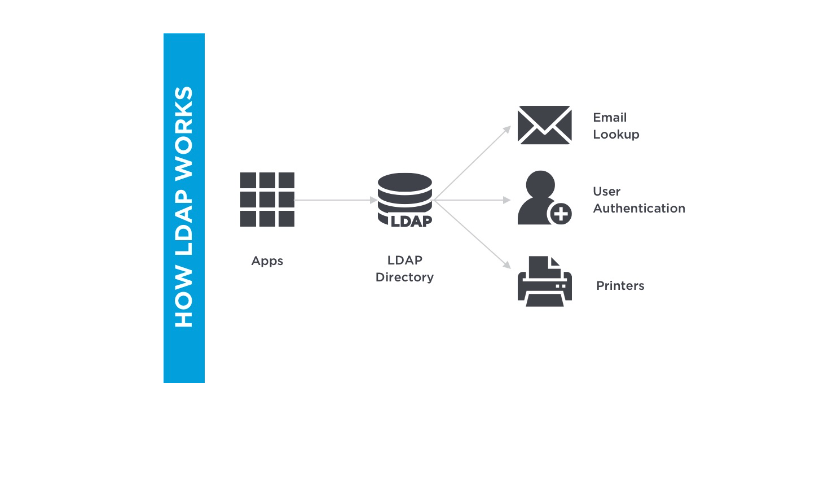
To connect to a LDAP directory, a user must have an LDAP client installed on their device. Here’s how a typical LDAP workflow looks like:
Using the client, the user establishes a secure connection with the LDAP directory. They send a “search” query to the directory for a specific printer. The LDAP directory authenticates the user. The search operation is performed within the directory, and the address of the requested printer is returned. The secure connection to the LDAP directory is closed. The user connects to the printer.
LDAP vs Active Directory #
LDAP and Active Directory are sometimes used interchangeably, but they are not the same thing. Active Directory is a proprietary directory service developed by Microsoft. It can be used for authentication, and/or storing information about network resources. LDAP is one of the protocols that is used to create or query objects in Active Directory.
In a nutshell, LDAP is a language to talk to directory services, and Active Directory is one such directory service.