lauchd
tags :
similar :
Summary #
The launchd process is used by to manage and agents, and you can use it to run your shell scripts, like . You don’t interact with launchd directly; instead you use the launchctl command to load or unload launchd daemons and agents.
During system startup, launchd is the first process the runs to set up the computer. If you want your script to be run as a daemon, it should be started by launchd. Other mechanisms for starting daemons and agents are subject to removal at Apple’s discretion.
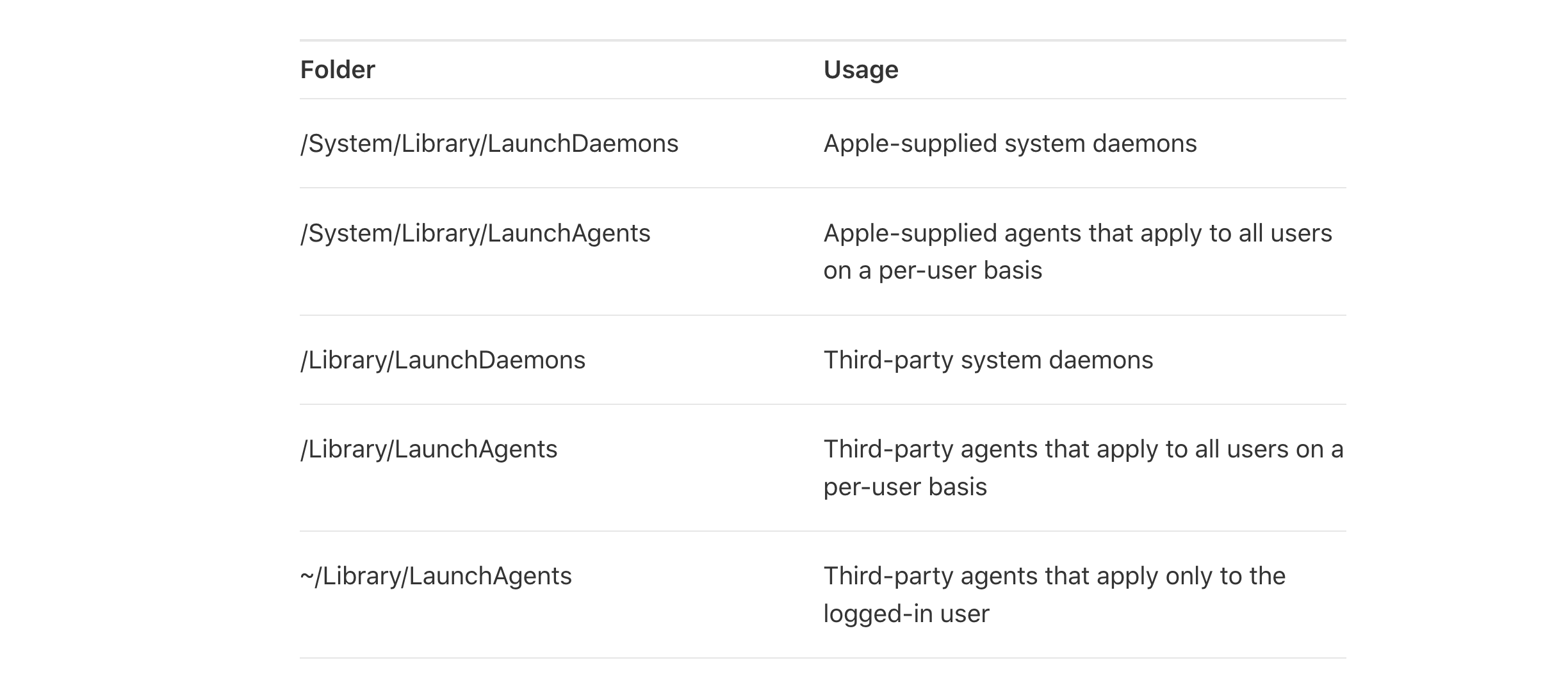
You can get an idea of the various daemons and agents managed by launchd by looking at the configuration files in the following folders:
lauchctl #
- Creating this post so I can refer to it later when I want to do some launchctl related thing.
- This tool is used to control launchd which is the equivalent of and other service managers on the macOS. launchctl commands
OCR of Images #
2023-07-12_14-56-49_screenshot.png #
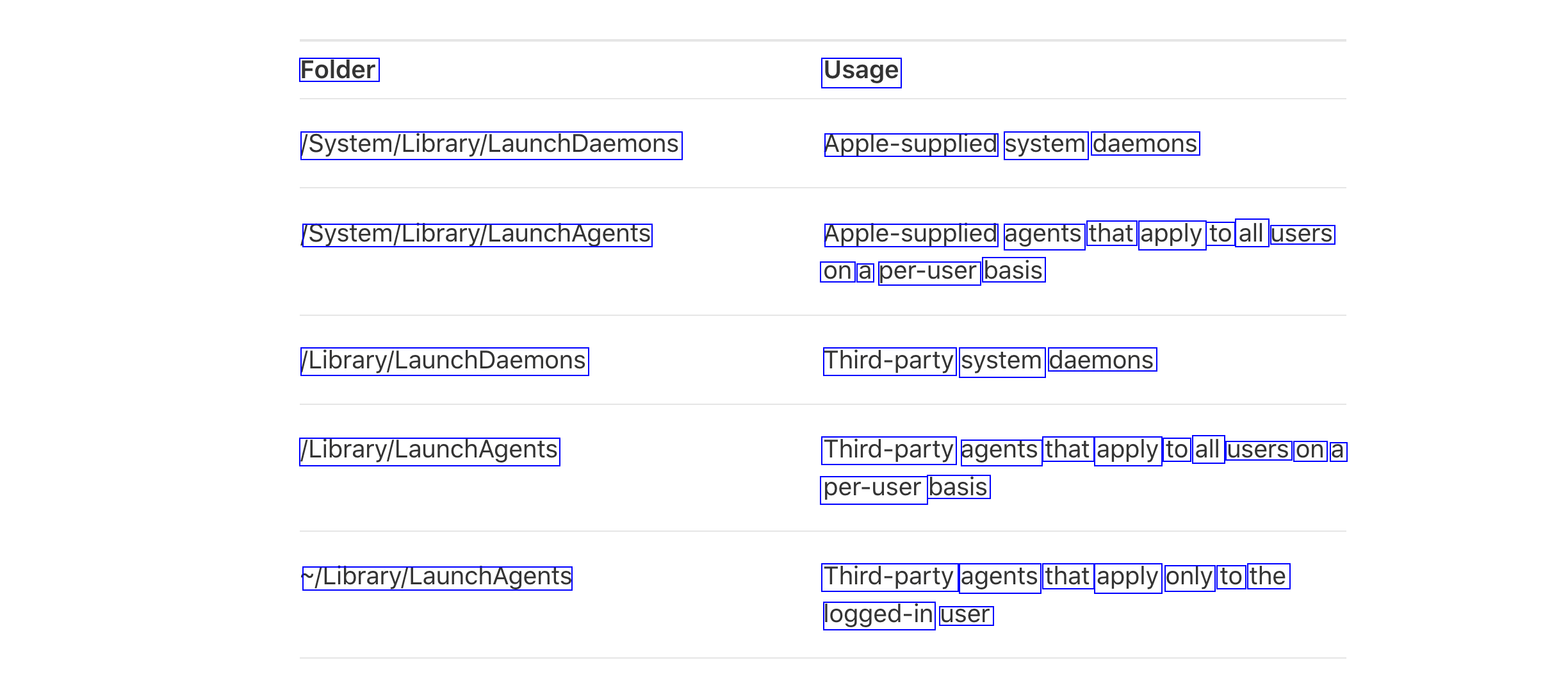
Folder Usage System/Library/LaunchDaemons Apple-supplied system daemons System/Library/Lary/LaunchAgents Apple-supplied agents that apply to all users on a per-user basis LibraryLaunchDaemons Third-party system daemons LlorarylLaunchAgents Third-party agents that apply to all users on a per-user basis LlorarylauncnAgents Third-party agents that apply only to the logged-in user
OCR of Images #
2023-07-12_14-56-49_screenshot.png #
Folder Usage System/Library/LaunchDaemons Apple-supplied system daemons System/Library/Lary/LaunchAgents Apple-supplied agents that apply to all users on a per-user basis LibraryLaunchDaemons Third-party system daemons LlorarylLaunchAgents Third-party agents that apply to all users on a per-user basis LlorarylauncnAgents Third-party agents that apply only to the logged-in user